


JEE Main 2027 Registration and NTA DigiLocker Re-KYC Rules
November 09, 2026
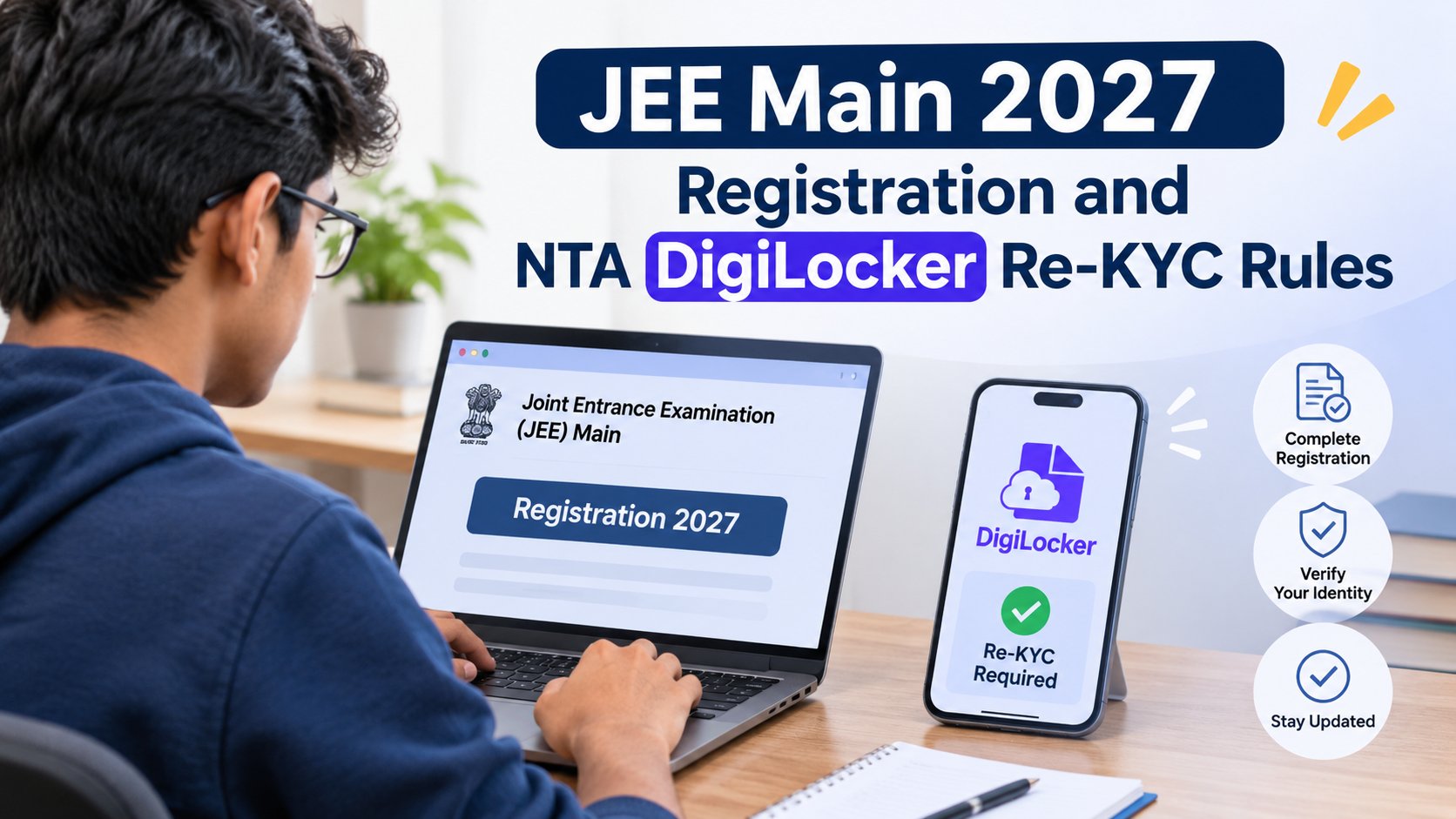
The National Testing Agency (NTA) has started online registration for JEE Main 2027 Session 1. Candidates can apply from 24 October to 22 November 2026. The exam will be held in two sessions, the first in January 2027 and the second in April 2027. This year, the process includes one more step. In an advisory issued in the last week of October, the NTA asked candidates to complete Aadhaar re-KYC on DigiLocker before starting the application form. This guide explains what re-KYC involves, how to complete it, the registration rules to follow, and the common mistakes to avoid.
Since the application window runs for about a month, it is wise to finish this step rather than leave it for the last minute. Keep your Aadhaar-linked mobile number in hand, as you will need it for verification.
What Is DigiLocker Re-KYC?
DigiLocker is the government's digital document service. It stores documents issued by authorities such as UIDAI and school boards, allowing applications to access them directly instead of depending on scanned copies. Re-KYC involves updating your Aadhaar details in DigiLocker and verifying them using an OTP sent to your Aadhaar-linked mobile number.
The reason is practical. If you have changed your photograph, name, address, or date of birth with UIDAI, the older copy stored in your account will not show it. Refreshing brings DigiLocker in line with your latest Aadhaar data. Since the JEE Main application uses Aadhaar information, outdated details could lead to mismatches during registration.
How to Complete DigiLocker Re-KYC
The process takes only a couple of minutes. Keep your Aadhaar-linked phone nearby, as the OTP will be sent to that number.
- Log in to your own DigiLocker account on the app or the website.
- Open the Issued Documents section and find your Aadhaar card.
- Tap the three-dot menu next to it and choose Refresh.
- Give consent for Aadhaar e-KYC when the prompt appears.
- Enter the six-digit OTP sent to your Aadhaar-registered mobile number.
- Wait for the "Aadhaar e-KYC Successful" message, then refresh your other issued documents, such as the Class 10 marksheet.
Menus can look slightly different on Android, iOS, and the web, so update the app before you begin. If your mobile number is not linked to Aadhaar, get that checked at an Aadhaar centre first.
New NTA Registration Rules for JEE Main 2027
The NTA has released an advisory for candidates registering for JEE Main 2027, particularly concerning DigiLocker access, Aadhaar verification, and personal details. Here are the important details:
- Log in with your own DigiLocker, JanParichay, or e-Pramaan (Meri Pehchaan) credentials. A parent's, friend's, or cyber cafe operator's login is not acceptable.
- Complete Aadhaar re-KYC before you open the application form.
- Enter your name and date of birth exactly as they appear on your Class 10 certificate or marksheet.
- Expect the form to fetch your name, date of birth, photograph, and address from Aadhaar. A live photograph is captured during registration, and some candidates may be asked for an APAAR ID.
- Follow updates only on the official website, jeemain.nta.nic.in.
Important Documents Required for Registration
Keep the following in hand before you start. These documents cannot be edited once the form is submitted:
- Your Aadhaar details, verified through DigiLocker, along with a valid photo ID.
- A Class 10 certificate or marksheet in PDF format.
- A recent photograph with a white background, in JPG or JPEG format.
- A scanned signature.
- A disability or UDID certificate, if you apply under the PwD category.
- A passport, if you are a foreign national or an OCI cardholder.
Reserved-category candidates enter their category certificate number but are not asked to upload a scan. Each file must meet the size limits in the official notice, and a file in the wrong format can lead to rejection of the form.
Common Mistakes to Avoid During Registration
Even a small mistake in your JEE Main 2027 registration can affect your application. A quick check before you submit can prevent errors. Keep these points in mind while filling in the form:
- Using Someone Else's Login: This is a common mistake at cyber cafes. Make sure the operator logs in using your credentials.
- Skipping Re-KYC: Without completing re-KYC, your application may pick up outdated Aadhaar details.
- Ignoring Name or Date of Birth Mismatches: If your Aadhaar details do not match your Class 10 certificate, correct the discrepancy before proceeding. Update DigiLocker afterwards, as corrections can take time.
- Forgetting Your Aadhaar-Linked Phone: You will need access to this number to receive the OTP.
- Uploading Incorrect Files: Blurry photographs, unsupported formats, and oversized scans can cause upload errors.
- Waiting Until the Deadline: Last-minute applications leave little time to resolve technical issues or correct mistakes.
JEE Main 2027 Registration: Complete Your Application on Time
With the JEE Main 2027 registration deadline set for 22 November, candidates should submit their applications well in advance. Start by completing DigiLocker re-KYC, entering personal details, and keeping the required documents ready. Before submitting the form, review every entry carefully, particularly your name, date of birth, and examination details.
At Alpha Entrance Academy, we guide students through examination milestones while helping them stay focused on their preparation. We also offer JEE online coaching to support students with flexible learning options. Candidates should also be updated on official announcements, registration notices and examination instructions. For accurate information, always refer to the NTA's official website and follow the prescribed application guidelines.





Embrace the Alpha Mindset